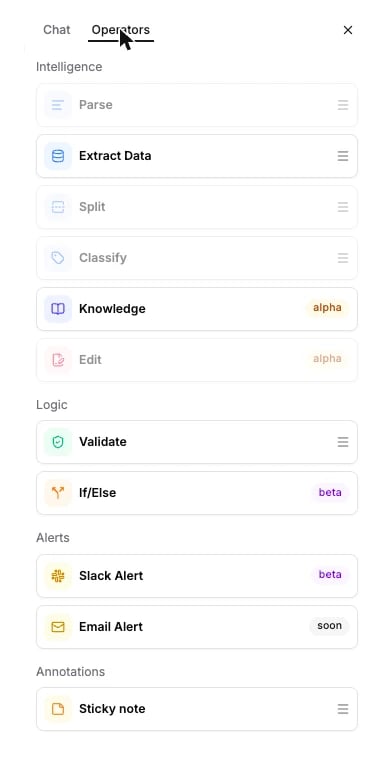
Sends an email when a document reaches it. Coming soon: the tile is in the palette, but it cannot be added to a workflow yet.
Email alert sends an email for every document that reaches it, the way Slack alert posts a message. It lives in the Alerts section of the Studio palette, marked soon: the tile is visible but disabled, and it cannot be dragged onto the canvas today.Use Slack alert for alerts now. This page describes what Email alert will configure, so you can plan a workflow around it.
The public API does not accept an email_alert node today. A workflow that carries one is rejected. There is no API JSON, and neither SDK builder has a method for it.
The tile sits under Alerts, next to Slack alert, with a soon badge and greyed out. Once enabled, clicking the node on the canvas opens a panel with two inputs: Email Address, the recipient, and Message, the body to send.
An email to the recipient, and nothing in the run results. Like Slack alert, it is a terminal node: it fires after the node before it finishes for the document, and only on the branch the document took.