

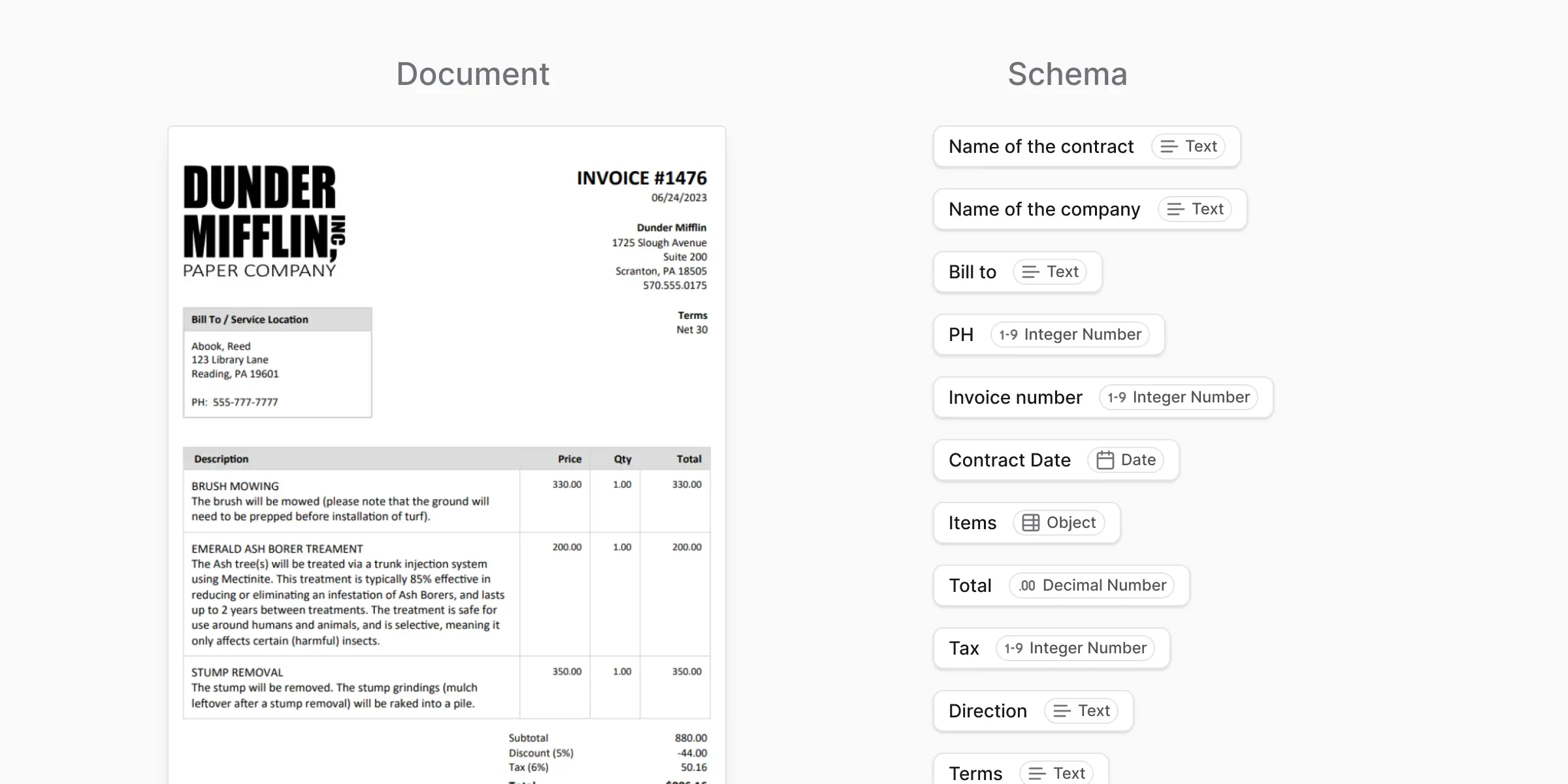
- Which fields you want: the invoice number, the date, the total.
- What type of value each field holds: text, a number, a date.
When you use schemas
You use a schema when:- You want consistent output across many documents
- You care about structure, not just raw text
- You plan to verify or improve results over time
What a schema is not
A schema is the what: the list of fields you want back. It is not the how. It does not say how to read the document or where on the page to look. anyformat handles that. You describe only what the finished result looks like.What’s next?
Fields
Define individual pieces of information within a schema
Instructions
Write plain-English guidance for better accuracy