
- Full name (text)
- Email (text)
- Phone (text)
How to use them effectively
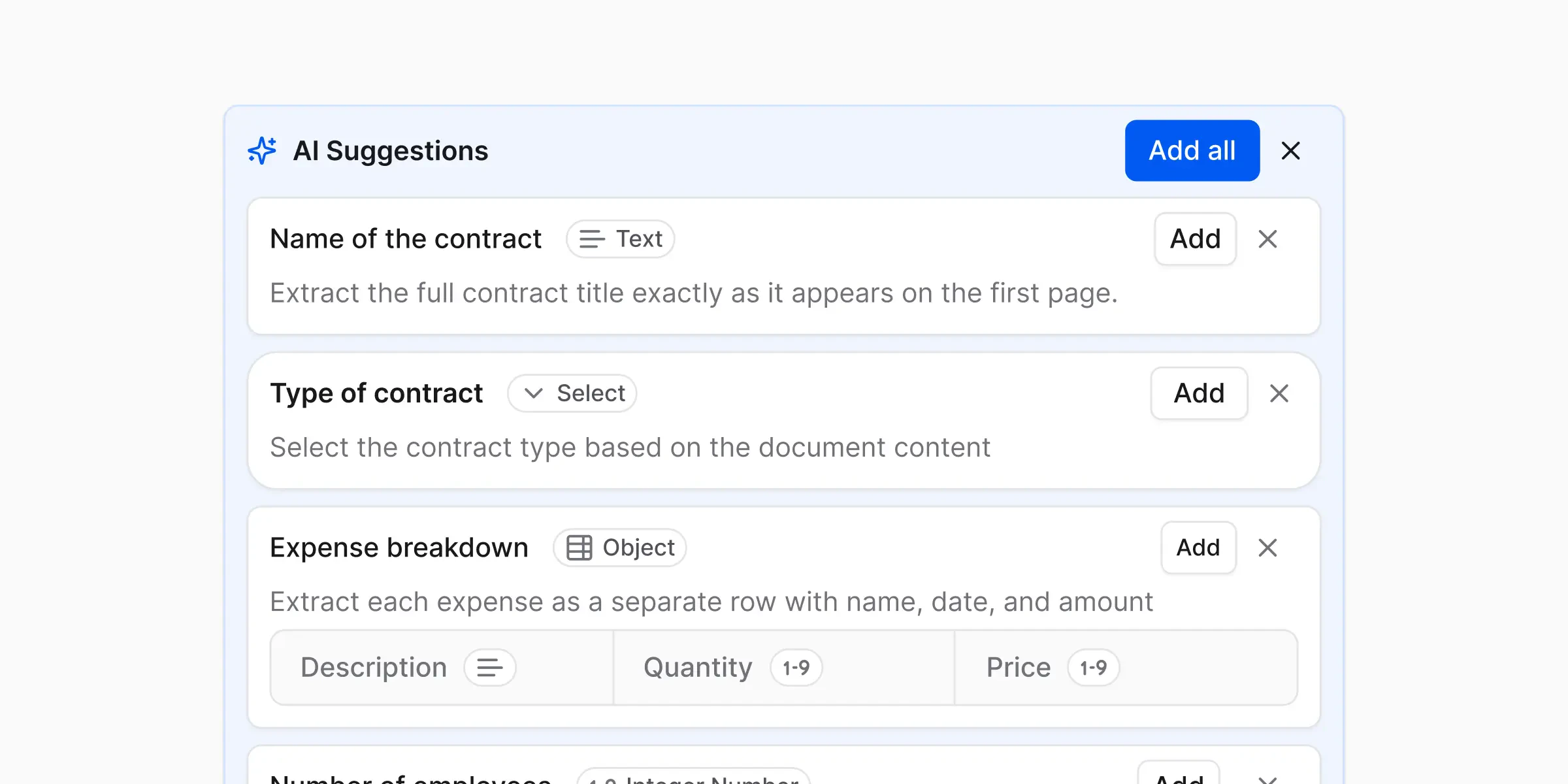
Think of AI suggestions as:A helpful starting point, not a final answer
Use them when
- Exploring a new document type
- Creating a schema quickly
- You’re not sure what fields you need yet
Review them when
- Accuracy matters
- Data is business-critical
- You’re scaling usage
- Does the field name match what you actually want? Rename anything that’s vague or off.
- Is the type right? A total should be a Decimal number, not Text — see Field types.
- Is anything missing? Add fields the AI didn’t think of.
- Is anything extra? Delete fields you don’t need.
What’s next?
Workflows
Build and run your first workflow
Outputs
Learn about the structured results you can export