

- Invoice number
- Issue date
- Total amount
- Vendor name
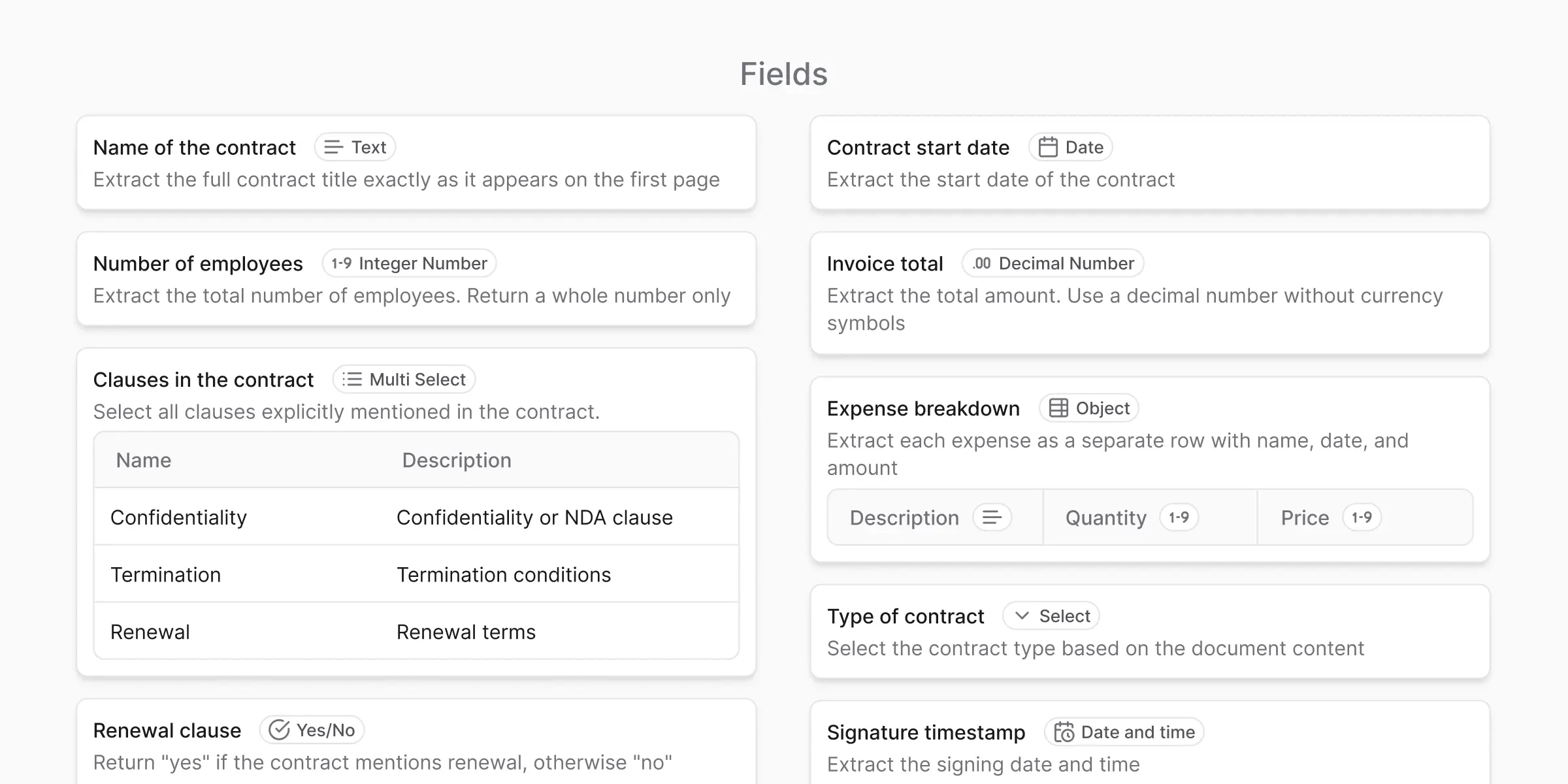
The three field properties
Every field has at least three properties.Field name
Field name
A human-readable label that still makes sense outside anyformat.Examples:
invoice_number, issue_date, total_amount.Use snake_case so the name is safe to use as a JSON key or column header.Field type
Field type
The kind of value anyformat expects: text, date, number, and others.The type improves consistency, validation, and output quality. Field types has the full list.
Instructions
Instructions
Plain-English guidance for how to extract the value.Example: “Extract the final total including taxes. Ignore subtotals.”Instructions shows how to write a good one.
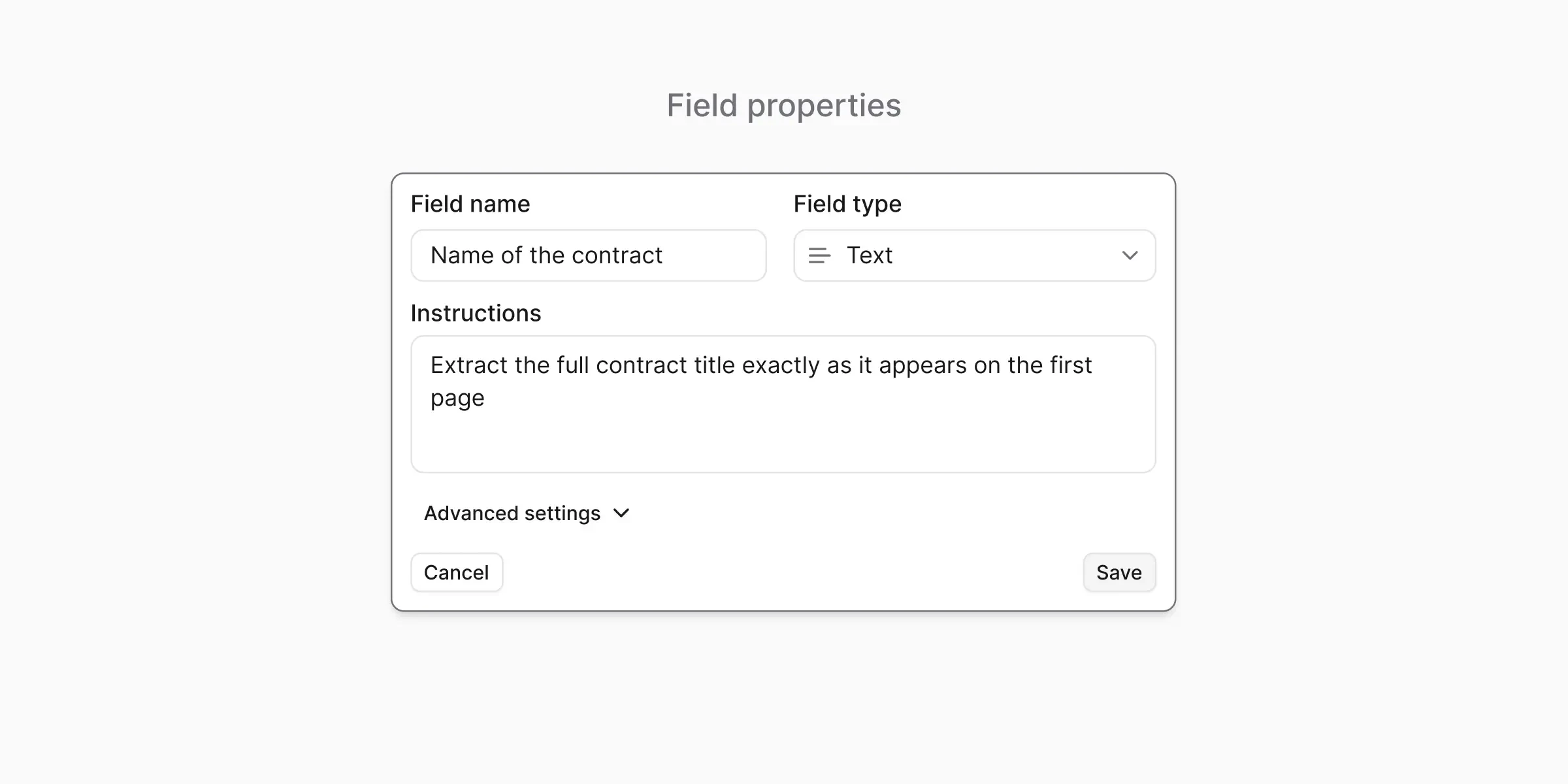
Field source: extraction vs. smart lookup
Every field also has a source. It tells anyformat where the value comes from. By default anyformat reads the value off the document. The other source matches the value against a reference file you attach. Smart Lookup covers how that works and when to use it.What’s next?
Field types
The full list: text, date, number, object, enum, multi-select
Instructions
Write effective extraction instructions
Smart Lookup
Enrich extracted values against a reference file