
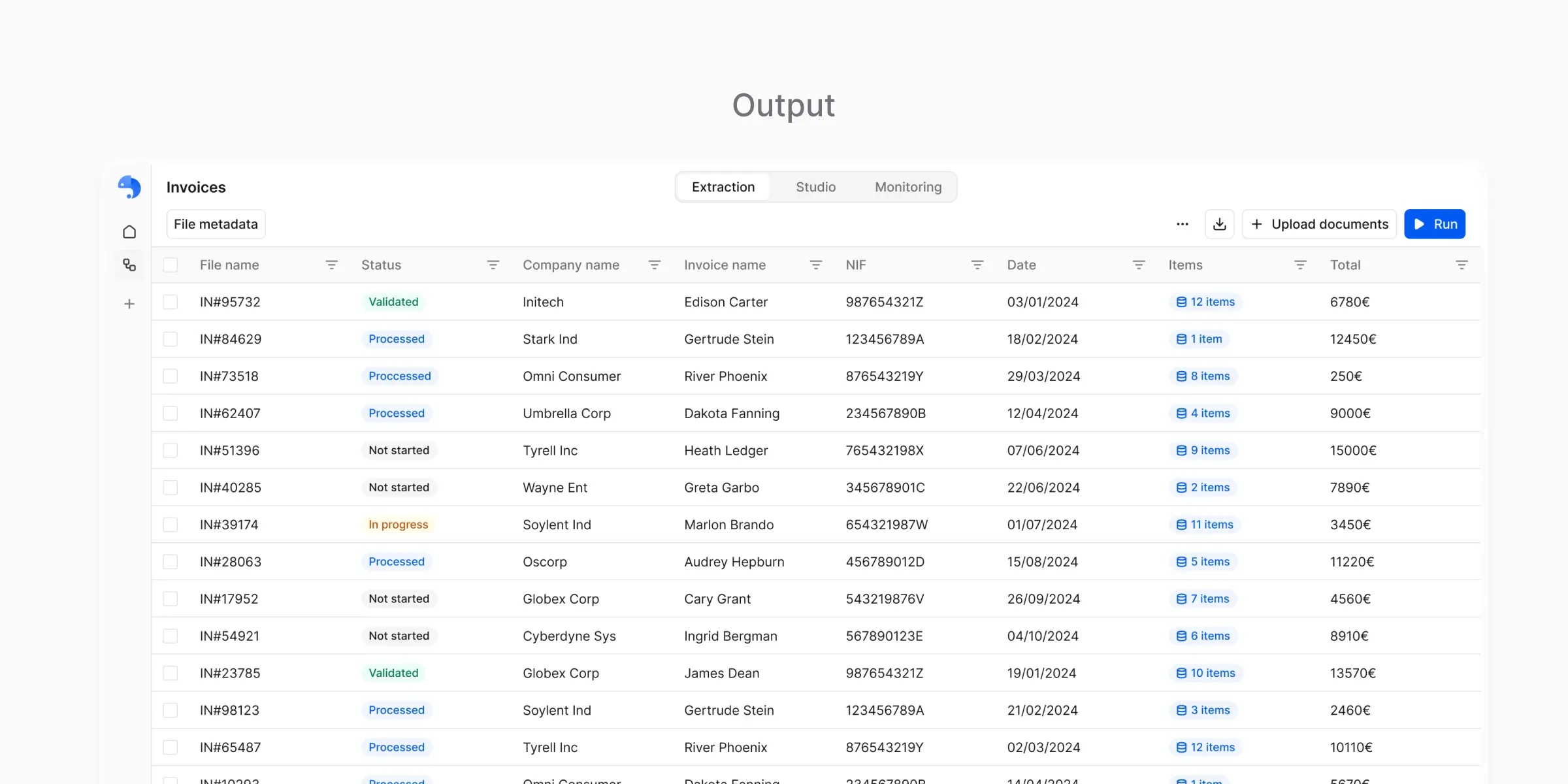
CSV Output
Structured tabular data
CSV output represents extracted data as a table:- Each document becomes one or more rows
- Each field becomes a column
- Subtables are expanded in a consistent way
CSV is designed for
- Spreadsheets
- Imports
- Data analysis
- Sharing with non-technical users

Excel Output
Structured data with a spreadsheet interface
Excel output contains the same structured data as CSV, but packaged in a format that:- Is easier to open for business users
- Preserves table structure
- Supports multiple sheets (for subtables or metadata)
Excel is useful when
- Manual review is part of the process
- Data is shared across teams
- You want minimal friction for non-technical stakeholders
JSON Output
Structured data for systems and automation
JSON output represents extracted data as a structured object. Conceptually:- Fields become keys
- Nested structures are preserved
- Data types remain explicit
JSON is useful when
- Integrating with other systems
- Building automation
- Preserving hierarchical data (like subtables)

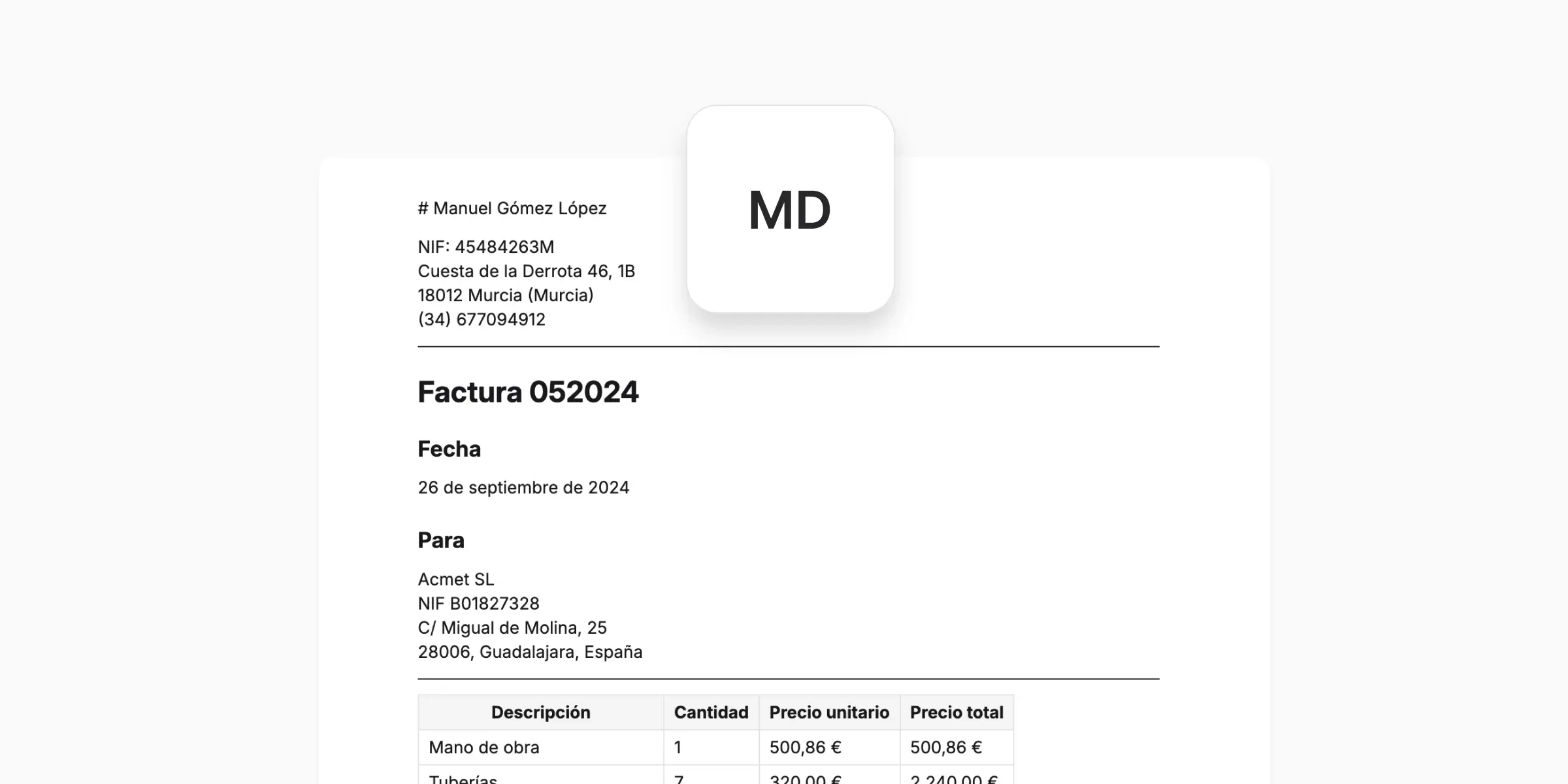
Markdown Output
Human-readable result view (review-only)
Markdown output is a human-readable representation of the result. It is used to:- Inspect what was extracted
- Verify that parsing worked correctly
- Review results per document
What’s next?
Choosing the Right Output
Pick the best format for your use case
Using Outputs Outside the Platform
Export and integrate with external systems