
What is a field?
A field represents one piece of information inside a schema. Examples:- Invoice number
- Issue date
- Total amount
- Vendor name
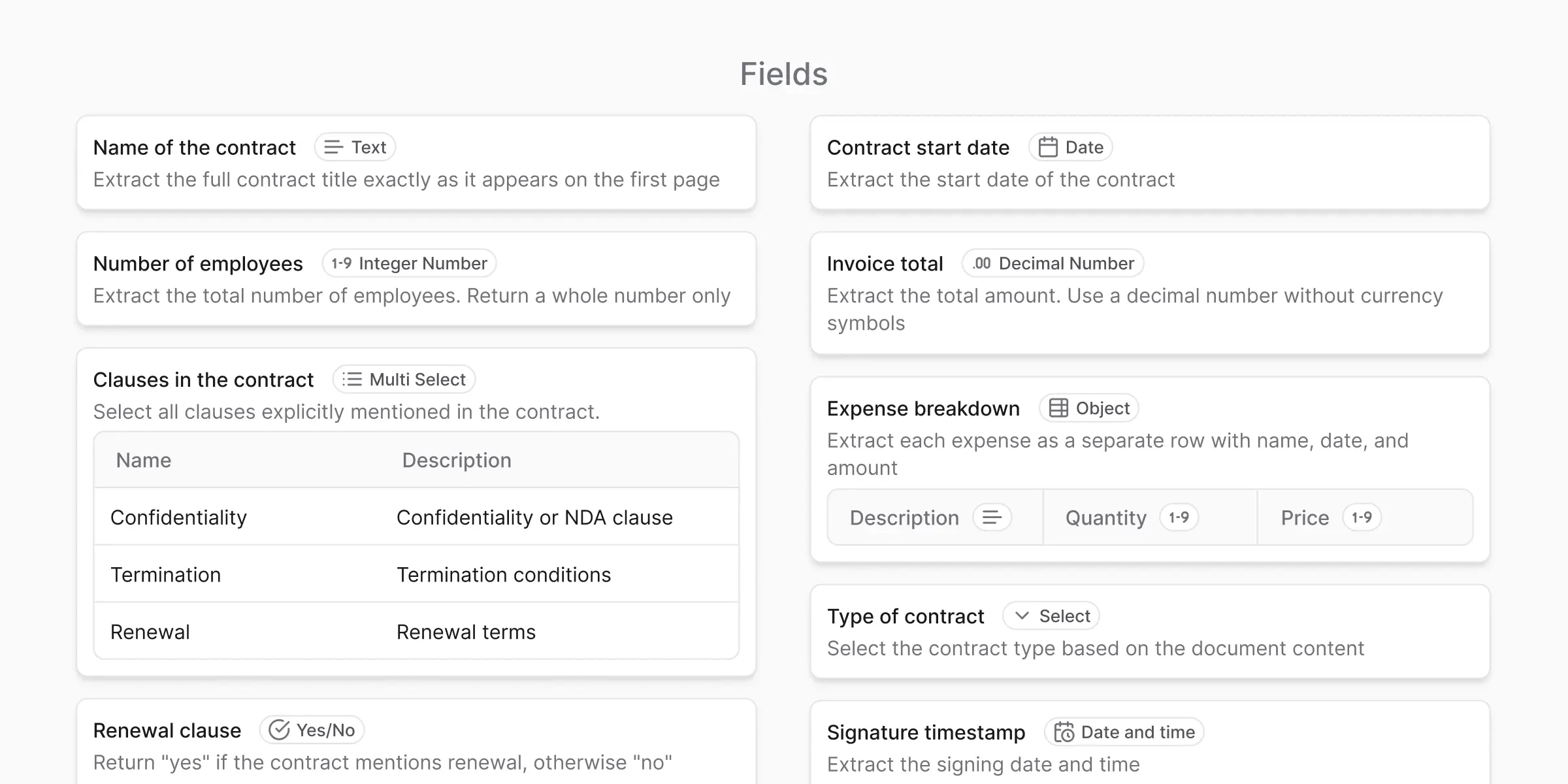
Field properties
Every field in anyformat has at least three properties:Field name
Field name
A human-readable label that still makes sense outside anyformat.Examples:
invoice_number, issue_date, total_amountField type
Field type
Tells anyformat what kind of value to expect (text, date, number, etc.).This improves consistency, validation, and output quality.
Instructions
Instructions
Plain-English guidance for how to extract the value.Example: “Extract the final total including taxes. Ignore subtotals.”
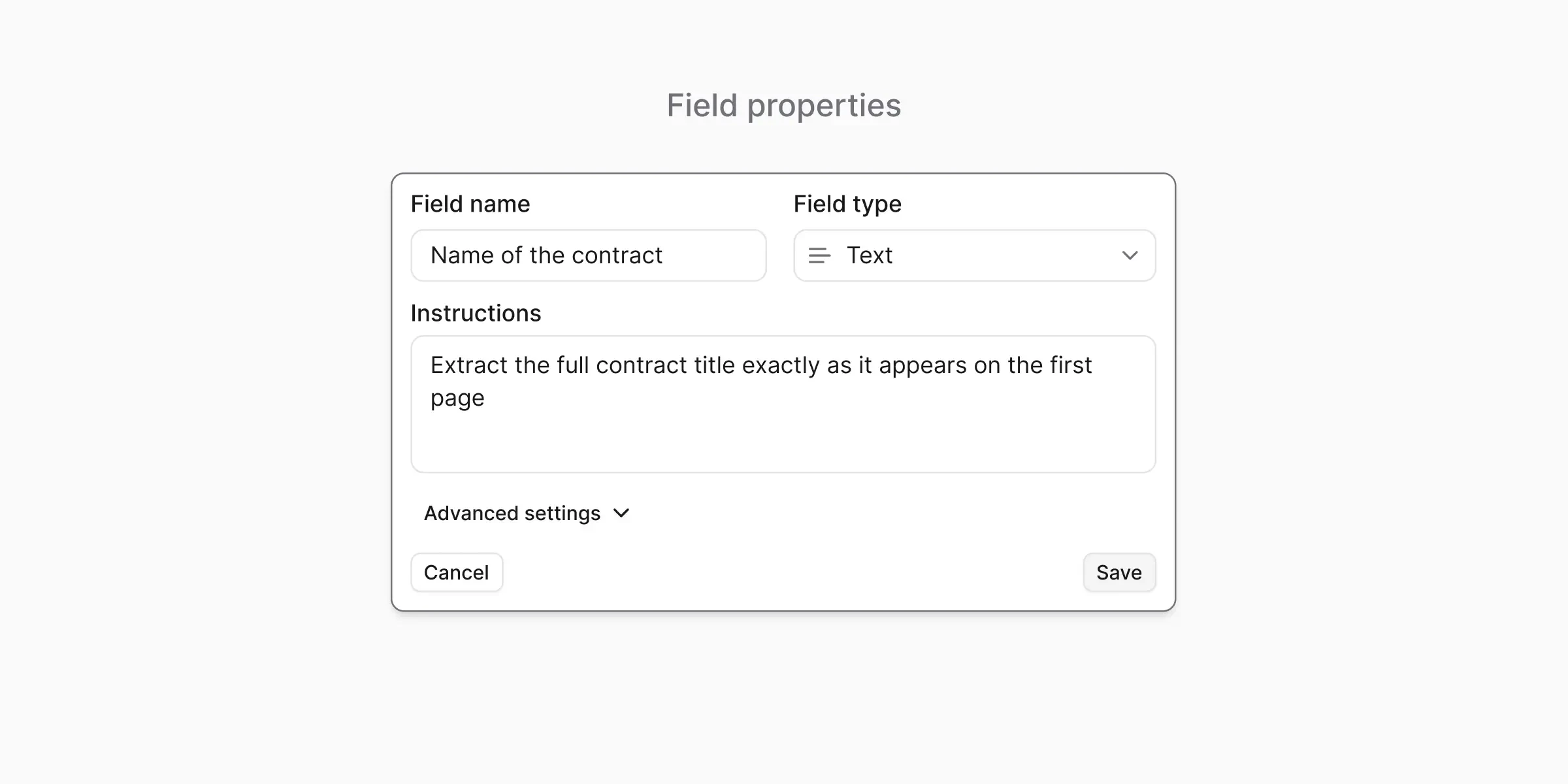
Field types overview
Each field has a type. Field types help anyformat understand how to interpret, validate, and output values.| Field type | When to use | Example |
|---|---|---|
| Text | Free-form information | Company name, address |
| Date | Calendar dates | Invoice date |
| Date & time | Precise timestamps | Transaction time |
| Decimal number | Numbers with decimals | Total amount, tax |
| Integer number | Whole numbers only | Quantity, item count |
| Yes / No (Boolean) | True / false | Is paid? |
| Select | One value from a list | Status: Paid/Unpaid |
| Multiselect | Multiple values from a list | Tags/categories |
| Object (Subtable) | Repeating structured items | Line items in an invoice |
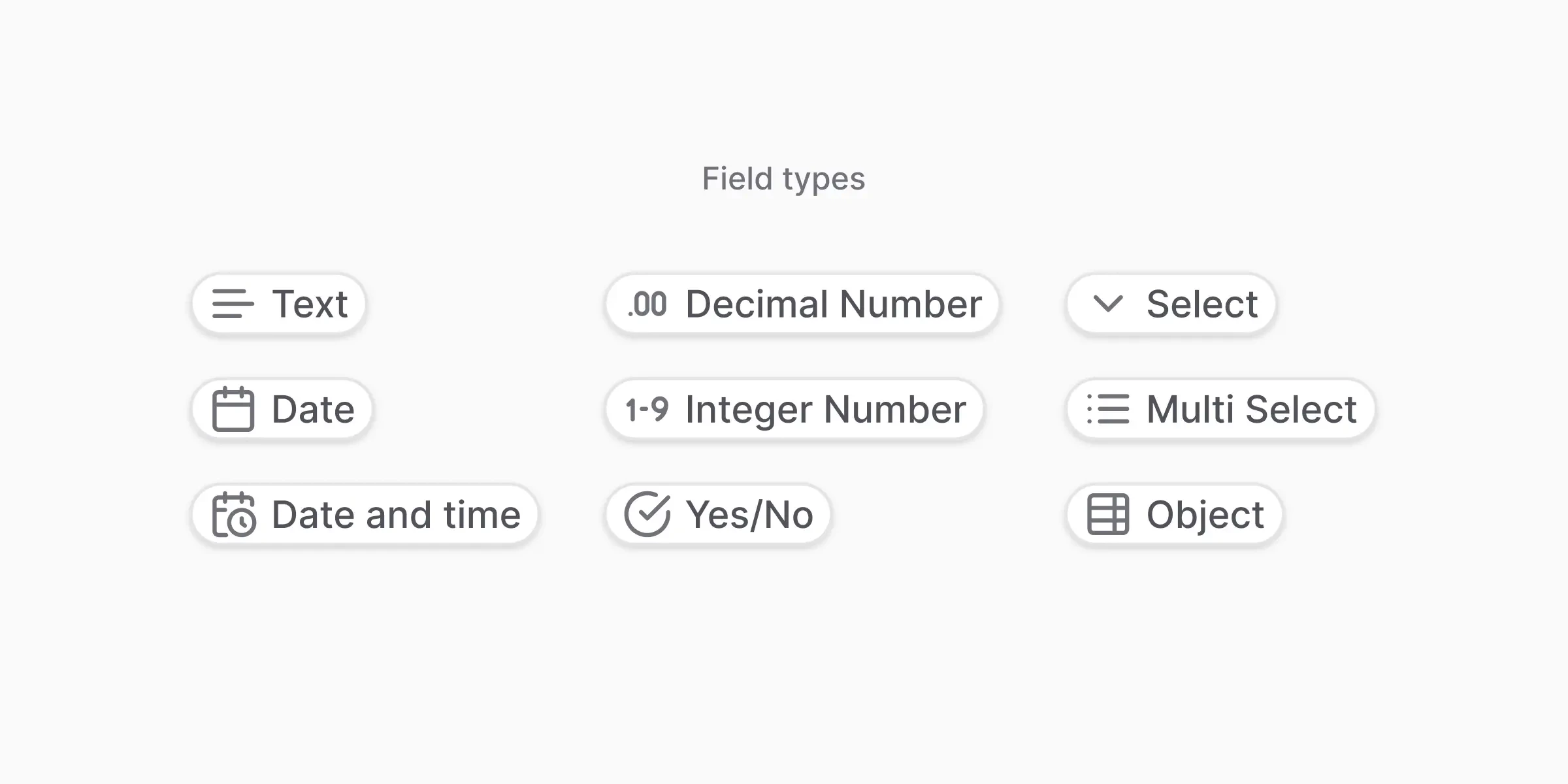
Field type best practices
Text
Text
Best for: Values that vary widely (company names, addresses)Watch out for: Don’t use if values are from a known list — use Select instead
Date
Date
Best for: Calendar dates when time isn’t relevantWatch out for: If time appears in the document, prefer Date & Time
Date & time
Date & time
Best for: Precise timestamps when documents include timeWatch out for: Ambiguity with timezones and format variations
Decimal number
Decimal number
Best for: Money, percentages, measurementsWatch out for: Avoid if values should be whole numbers
Integer number
Integer number
Best for: Counts, quantities, item numbersWatch out for: Not suitable for currency
Yes / No (Boolean)
Yes / No (Boolean)
Best for: Clear true/false questions (Is paid? Is signed?)Watch out for: Avoid vague cues like “maybe” or “often” — make instructions explicit
Complex field types
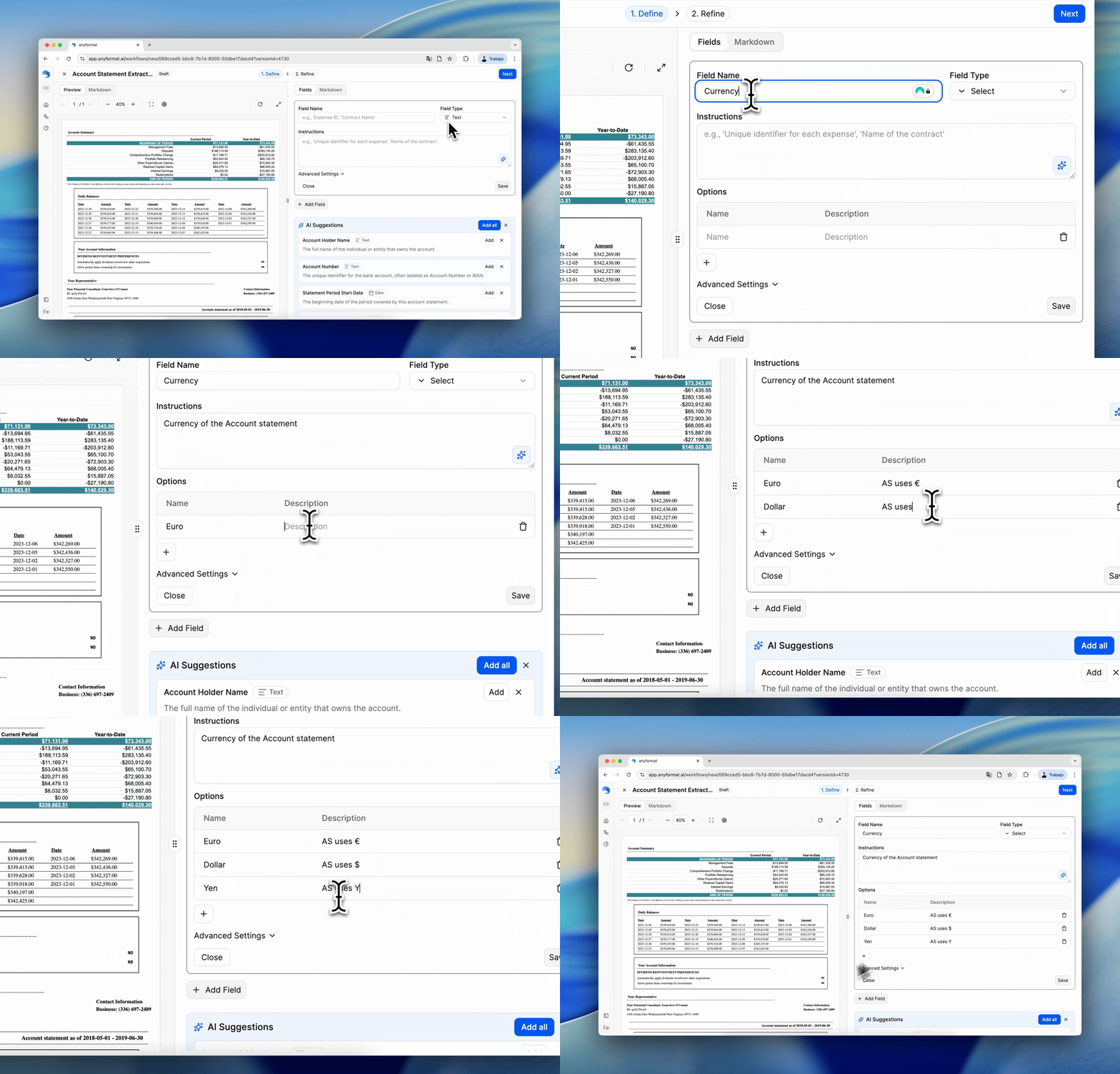
Select fields
Select fields are used when a value must be one of several predefined options. Example:- Status:
Paid,Unpaid,Overdue
- Enforces consistency
- Avoids spelling variations
- Makes analytics and filtering reliable
- Keep options short and unambiguous
- Avoid overlapping meanings
- Prefer Select over Text when values repeat
Multiselect fields
Multiselect fields allow multiple options to be selected. Example:- Document categories:
Invoice,Receipt,Contract
- More than one value can apply
- Order does not matter
- Limit the number of options
- Avoid using Multiselect for free-form tagging
- If values are mutually exclusive, use Select instead
Object (Subtable)
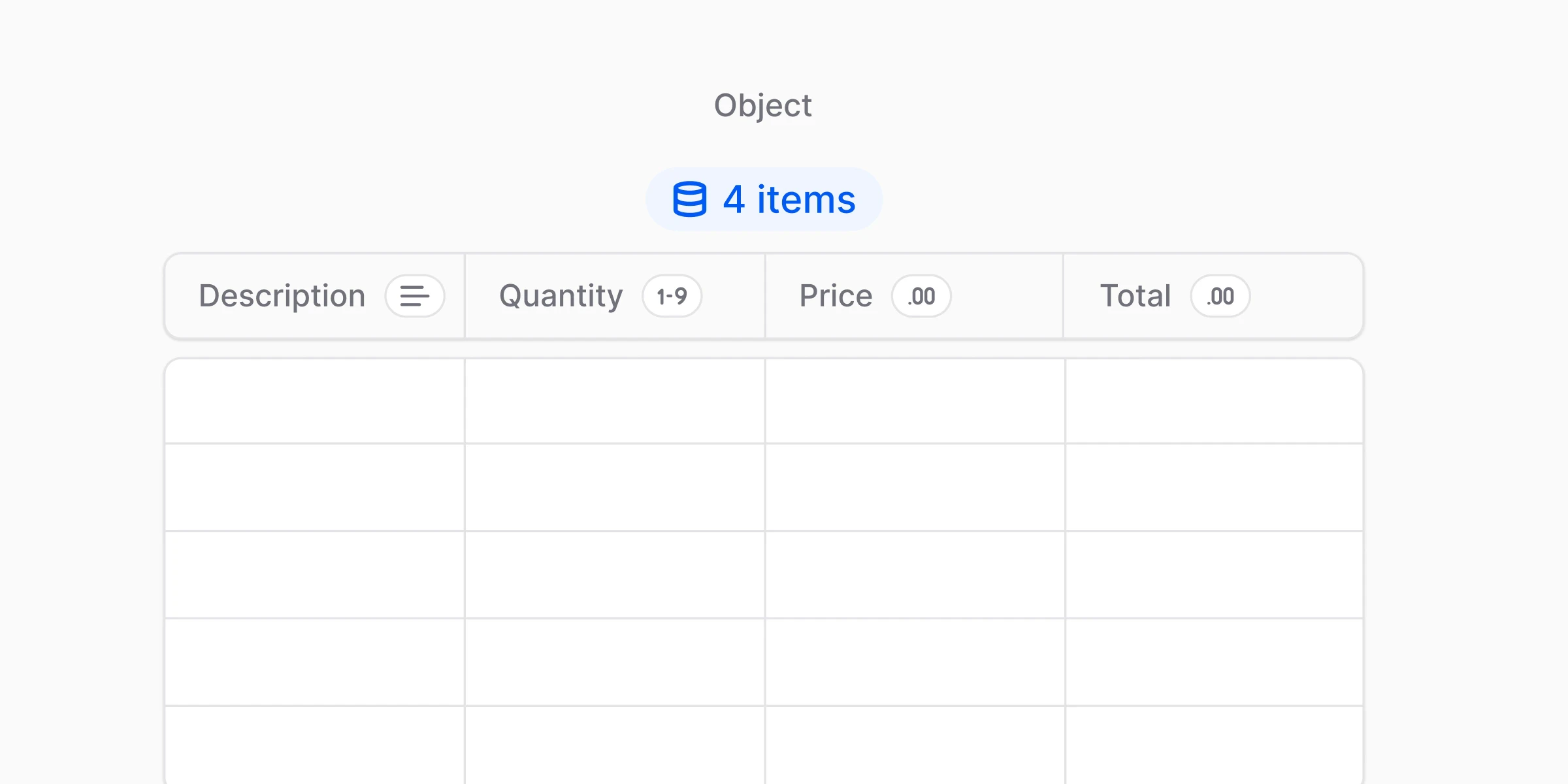
Object (Subtable) is for repeating groups of fields — basically a table of rows. Think:- An invoice has multiple line items
- Each line item has the same structure (description, quantity, unit price, total)
- You see the same set of fields repeating
- The document contains a list/table where each row is one “item”
- You need structured output per row (not a blob of text)
- Keep subtable fields minimal at first (3-5 columns)
- Use clear row-level instructions: “Extract one row per item. Ignore headers and totals.”
- Add shared fields like
currencyat the top-level (not inside each row) - Start with the most reliable columns first (description + amount), then expand


What’s next?
Instructions
Learn how to write effective instructions
AI Suggestions
Use AI to help build your schemas faster