> ## Documentation Index
> Fetch the complete documentation index at: https://docs.anyformat.ai/llms.txt
> Use this file to discover all available pages before exploring further.
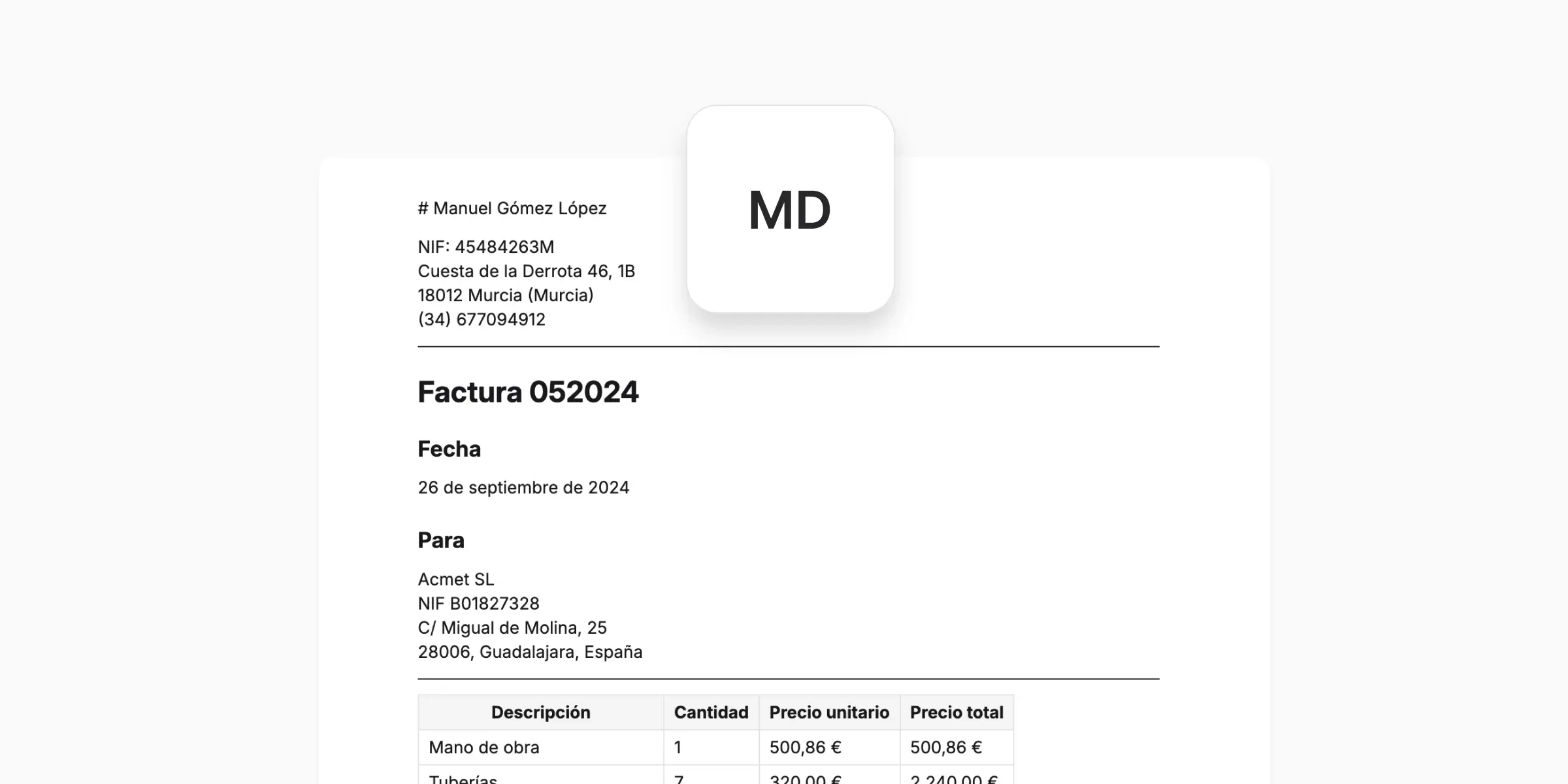
# Outputs
> What anyformat produces — formats, when to use each, and how to consume them externally.
An output represents:
* The data you asked for
* In a structured, consistent form
* Ready to be reviewed, exported, or connected to other systems
It reflects your [schema](/concepts/schemas) (fields and structure), your [field types](/concepts/field-types), and your [instructions](/concepts/instructions).
An output is **not**:
* The original document
* Raw OCR text
* A screenshot of the page
It's the clean data layer that sits between documents and tools.
**Files** → **Schema & Fields** → **Workflow** → **Outputs**
Outputs are the bridge between documents and action.
***
## Output formats
anyformat works with the same extracted data, but presents it in **different representations** depending on what you want to do next.
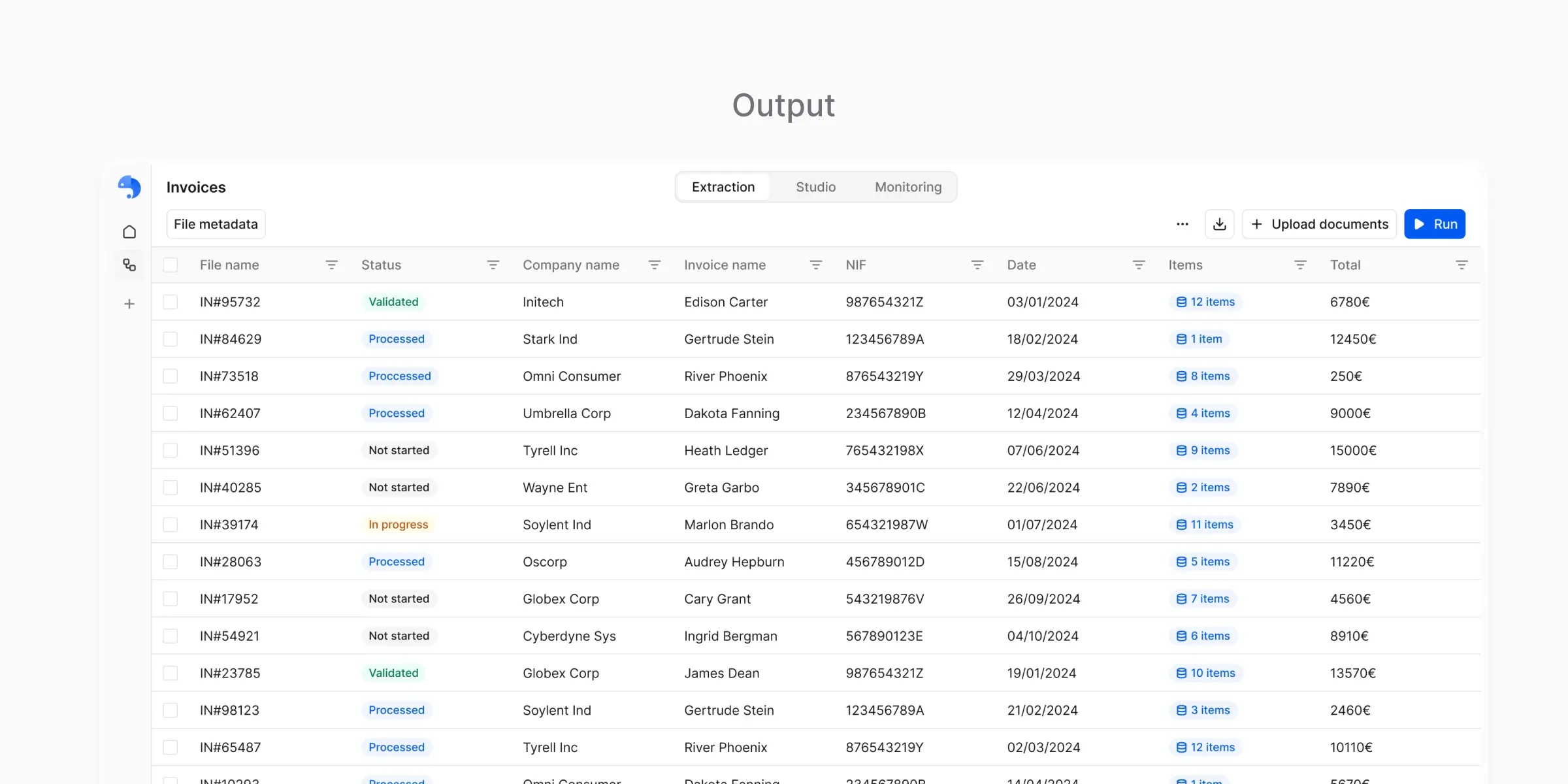 ### CSV
Structured tabular data:
* Each document becomes one or more rows
* Each field becomes a column
* Subtables are expanded in a consistent way
- Spreadsheets
- Imports
- Data analysis
- Sharing with non-technical users
Think of CSV as: *"Structured data optimized for tables."*
### CSV
Structured tabular data:
* Each document becomes one or more rows
* Each field becomes a column
* Subtables are expanded in a consistent way
- Spreadsheets
- Imports
- Data analysis
- Sharing with non-technical users
Think of CSV as: *"Structured data optimized for tables."*
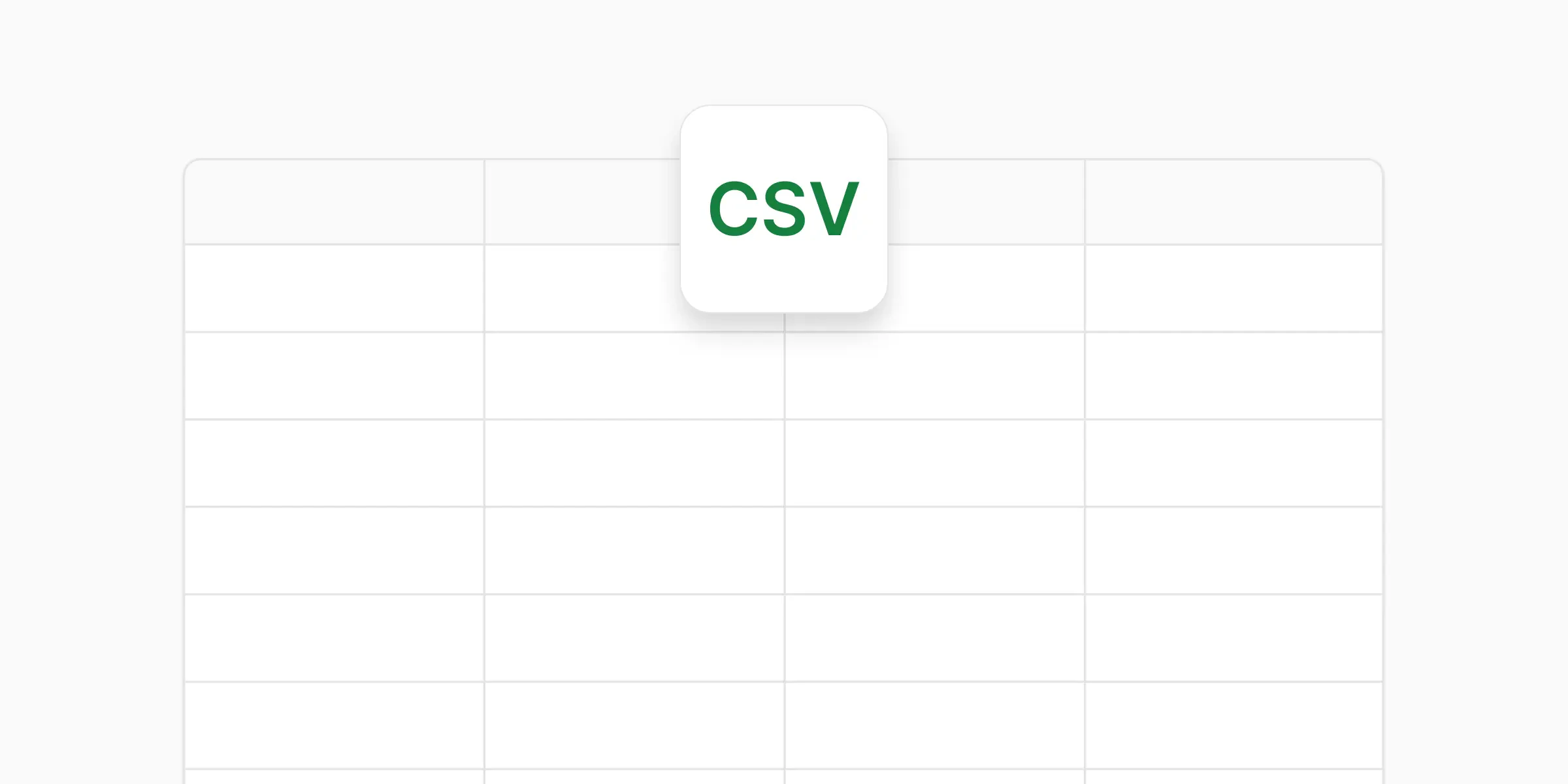 ### Excel
Same structured data as CSV, packaged in a format that:
* Is easier to open for business users
* Preserves table structure
* Supports multiple sheets (for subtables or metadata)
- Manual review is part of the process
- Data is shared across teams
- You want minimal friction for non-technical stakeholders
### Excel
Same structured data as CSV, packaged in a format that:
* Is easier to open for business users
* Preserves table structure
* Supports multiple sheets (for subtables or metadata)
- Manual review is part of the process
- Data is shared across teams
- You want minimal friction for non-technical stakeholders
 ### JSON
Structured data for systems and automation:
* Fields become keys
* Nested structures are preserved
* Data types remain explicit
- Integrating with other systems
- Building automation
- Preserving hierarchical data (like subtables)
Think of JSON as: *"Structured data optimized for machines."*
### JSON
Structured data for systems and automation:
* Fields become keys
* Nested structures are preserved
* Data types remain explicit
- Integrating with other systems
- Building automation
- Preserving hierarchical data (like subtables)
Think of JSON as: *"Structured data optimized for machines."*
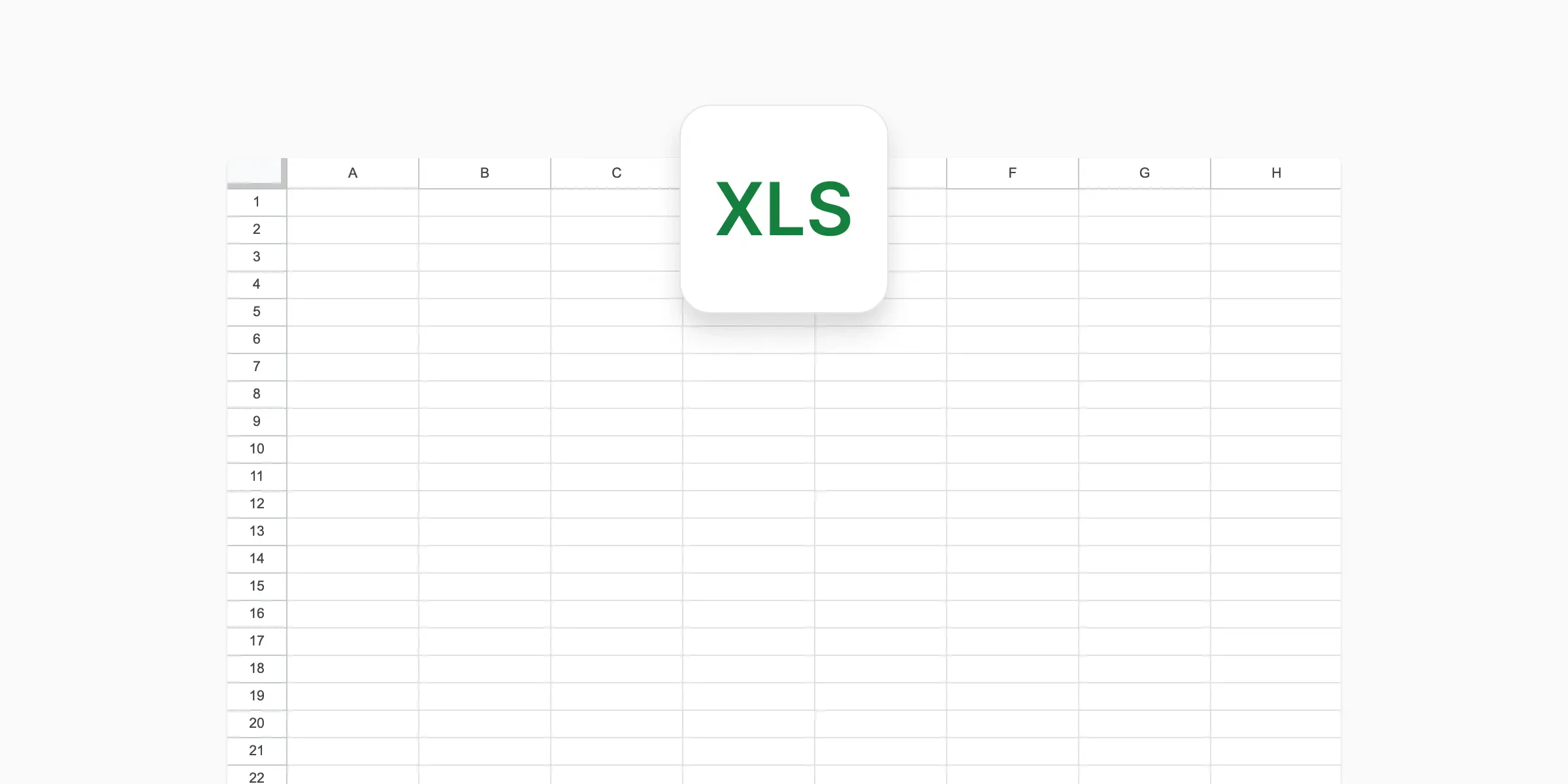
 ### Markdown
A **human-readable representation** of the result, used to:
* Inspect what was extracted
* Verify that parsing worked correctly
* Review results per document
- Markdown is **not a bulk export format**
- It's generated **per document**
- It exists to help you *understand* the result, not to move data elsewhere
Think of Markdown as: *"A debugging and review view for humans."*
### Markdown
A **human-readable representation** of the result, used to:
* Inspect what was extracted
* Verify that parsing worked correctly
* Review results per document
- Markdown is **not a bulk export format**
- It's generated **per document**
- It exists to help you *understand* the result, not to move data elsewhere
Think of Markdown as: *"A debugging and review view for humans."*
 ***
## Choosing the right format
You usually don't need to decide upfront. Many users interact with more than one representation at different stages.
| Output | Best for |
| --------------- | ------------------------------------- |
| **CSV / Excel** | Analysis, sharing, business workflows |
| **JSON** | Integrations, automation |
| **Markdown** | Review and verification |
**Choose when:**
* You need to analyze data in spreadsheets
* Sharing with business users or stakeholders
* Importing into tools that accept tabular data
* Manual review and verification workflows
**CSV vs. Excel:**
* Use **CSV** for maximum compatibility and automation
* Use **Excel** when sharing with non-technical users who prefer spreadsheets
**Choose when:**
* Building integrations with other systems
* Automating data pipelines
* You need to preserve nested structures (like line items)
* Working with APIs or developer tools
**Choose when:**
* Reviewing individual results
* Debugging issues
* Verifying that parsing worked correctly
**Note:** Markdown is a review format, not an export format.
***
## Using outputs outside the platform
Once you trust your results, outputs can be:
* Downloaded manually
* Exported in bulk
* Accessed programmatically via the [API](/api-reference/introduction)
### Export options
Download individual results directly from the platform in your preferred format.
Export multiple documents at once for batch processing or archival.
Retrieve outputs programmatically for automation and integrations.
### Common integration patterns
* **Data pipelines** — Pull JSON outputs into your data warehouse
* **Business tools** — Export Excel/CSV for import into accounting or ERP systems
* **Custom applications** — Use the [API](/api-reference/introduction) to embed processing in your own products
***
## What's next?
Control what data appears in outputs
Produce outputs reliably at scale
***
## Choosing the right format
You usually don't need to decide upfront. Many users interact with more than one representation at different stages.
| Output | Best for |
| --------------- | ------------------------------------- |
| **CSV / Excel** | Analysis, sharing, business workflows |
| **JSON** | Integrations, automation |
| **Markdown** | Review and verification |
**Choose when:**
* You need to analyze data in spreadsheets
* Sharing with business users or stakeholders
* Importing into tools that accept tabular data
* Manual review and verification workflows
**CSV vs. Excel:**
* Use **CSV** for maximum compatibility and automation
* Use **Excel** when sharing with non-technical users who prefer spreadsheets
**Choose when:**
* Building integrations with other systems
* Automating data pipelines
* You need to preserve nested structures (like line items)
* Working with APIs or developer tools
**Choose when:**
* Reviewing individual results
* Debugging issues
* Verifying that parsing worked correctly
**Note:** Markdown is a review format, not an export format.
***
## Using outputs outside the platform
Once you trust your results, outputs can be:
* Downloaded manually
* Exported in bulk
* Accessed programmatically via the [API](/api-reference/introduction)
### Export options
Download individual results directly from the platform in your preferred format.
Export multiple documents at once for batch processing or archival.
Retrieve outputs programmatically for automation and integrations.
### Common integration patterns
* **Data pipelines** — Pull JSON outputs into your data warehouse
* **Business tools** — Export Excel/CSV for import into accounting or ERP systems
* **Custom applications** — Use the [API](/api-reference/introduction) to embed processing in your own products
***
## What's next?
Control what data appears in outputs
Produce outputs reliably at scale